



WordPress Tutorials
WordPress is a versatile and user-friendly content management system (CMS) that powers millions of websites around the world. Ideal for beginners and experts alike, it offers extensive customization through themes and plugins, allowing you to create anything from blogs to eCommerce stores to informational websites. Be sure to check out the eStoreKings YouTube channel for even more tutorials.
Featured

Add an Instagram Feed to Your Homepage
Learn how to add an Instagram Feed to your website’s homepage using the free Smash Balloon WordPress plugin.

Open All External Links in a New Tab
Learn how to automatically open WordPress external links in a new tab or window using this WordPress plugin.
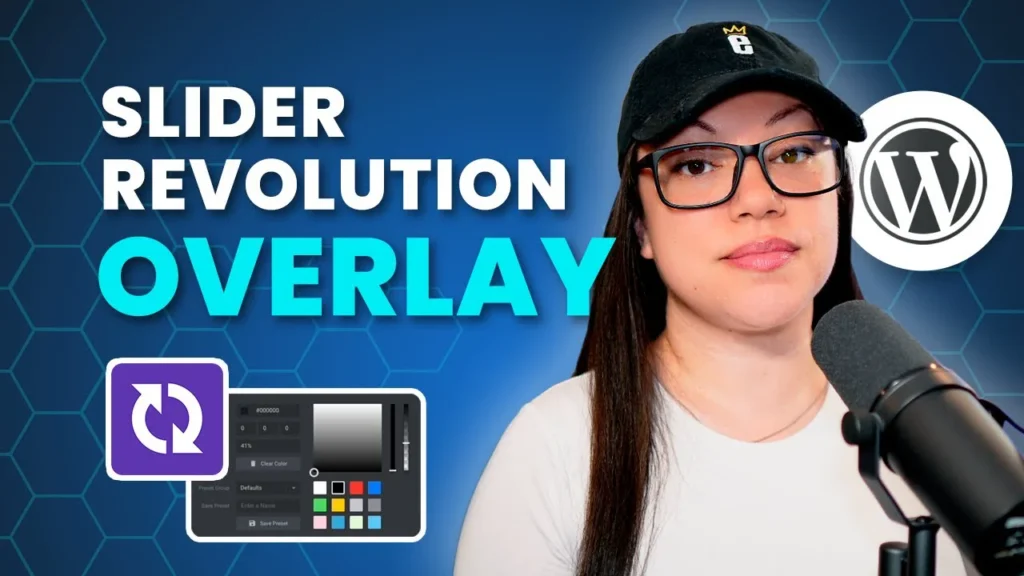
How to Add a Slider Revolution Overlay
Make the text on your WordPress slider easy to read by adding a semi-transparent shape behind it.
All WordPress Tutorials
WordPress Basics
Setting Up Your Website
How to Upload a Theme Zip File
Upload a theme zip file to WordPress, activate it and install the plugins your new theme needs.
How to Add a New User
Give a teammate, writer or developer their own login and pick the user role that fits what they need to do.
How to Publish a Blog Post
Write, format and publish a WordPress blog post with the built-in block editor, from headings to featured image.
How to Edit Footer Copyright Text
Update the year or wording in your site’s footer using the Customizer, a widget or your theme’s settings.

How to Duplicate Pages and Posts
Copy any page or post as a draft in one click, then swap in new content instead of rebuilding the layout.
How to Stop Spam Comments
Get spam comments under control with the Antispam Bee plugin and a few quick settings.
newsletter
Signup for free resources, the latest tutorials and more.