



Canva Tutorials
Canva is a user-friendly, web-based graphic design tool that enables both professionals and novices alike to create a wide range of visual content. For businesses and brands looking to grow online, Canva is particularly useful; it streamlines the creation of visually appealing content for social media, websites, presentations, flyers, and more. This capability is crucial in digital marketing, where engaging visuals are essential for capturing audience attention, enhancing brand identity, and effectively communicating marketing messages across various online platforms. For even more tutorials, check out the eStoreKings YouTube channel!
Featured

How to Enable Dark Mode in Canva
Dark mode helps to relieve eye strain and prolong your battery life. In this tutorial, learn how to enable dark mode in Canva.

How to Save as a PowerPoint File
Learn how to save a Canva presentation as a Microsoft PowerPoint file in just a few clicks. Perfect for pitch decks, reports and more.

Use Canva Shortcut Keys Like a Pro
Work faster and increase productivity with these Canva shortcut keys. Plus, they’ll make you look like a certified pro!
How to Design a LinkedIn Banner
Make your LinkedIn profile stand out with a banner built from a Canva template in just a few clicks.
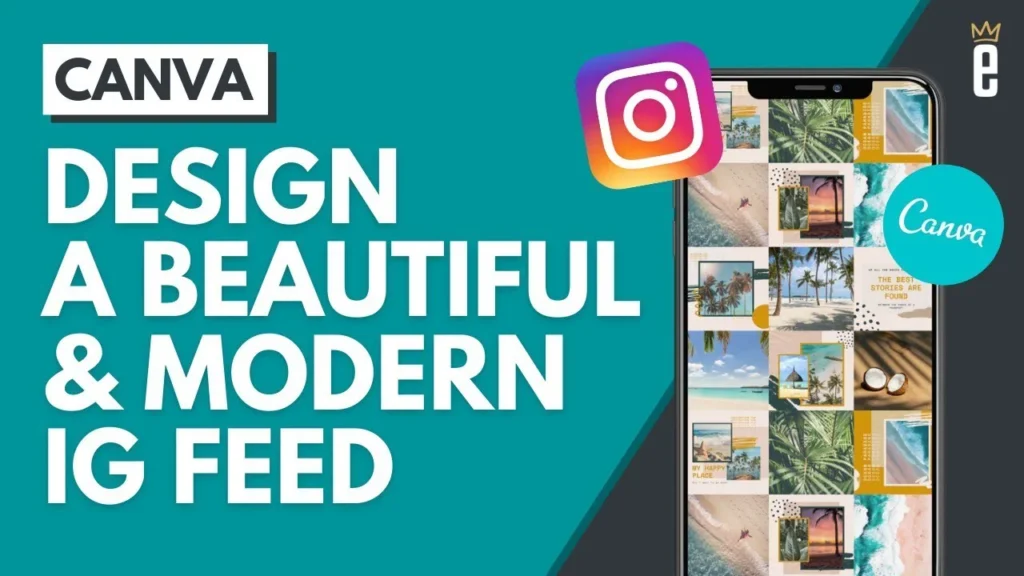
How to Design a Matching Instagram Feed
Use a Canva Instagram post set to create a feed where every post shares the same colors, fonts and style.
How to Design a Resume
Build a professional resume from a Canva template and give it a subtle touch of the company’s brand color.
All Canva Tutorials
Tips & Tricks
Harnessing the Power of Canva

Create a QR Code Business Card
Using a vCard QR code, create a QR code business card so that your clients can instantly scan and download your contact details.
How to Enable Dark Mode
Dark mode helps to relieve eye strain and prolong your battery life. In this tutorial, learn how to enable dark mode in Canva.
How to Save as a PowerPoint File
Learn how to save a Canva presentation as a Microsoft PowerPoint file in just a few clicks.
Use Canva Shortcut Keys
Work faster and increase productivity with these Canva shortcut keys. Plus, they’ll make you look like a certified pro!
newsletter
Signup for free resources, the latest tutorials and more.